Local AI Model Selection 2026: A Practitioner’s Guide

Local AI model selection in 2026 is the practice of matching a specific AI model’s architecture, quantization level, and runtime requirements to your hardware, task type, and governance constraints. This is not simply downloading the highest-ranked model on a leaderboard. The field now includes specialized models like Qwen3-Coder-Next GGUF, GLM-4.7-Flash, and Devstral-Small-2507, each designed for distinct use cases and hardware tiers. Platforms like LocalAI have introduced gallery systems that automate installation, safety scanning, and backend selection. This guide covers hardware sizing, coding-agent stacks, runtime sovereignty, and installation workflows so you can make decisions grounded in real operational constraints.
How to assess your hardware for local AI model selection 2026
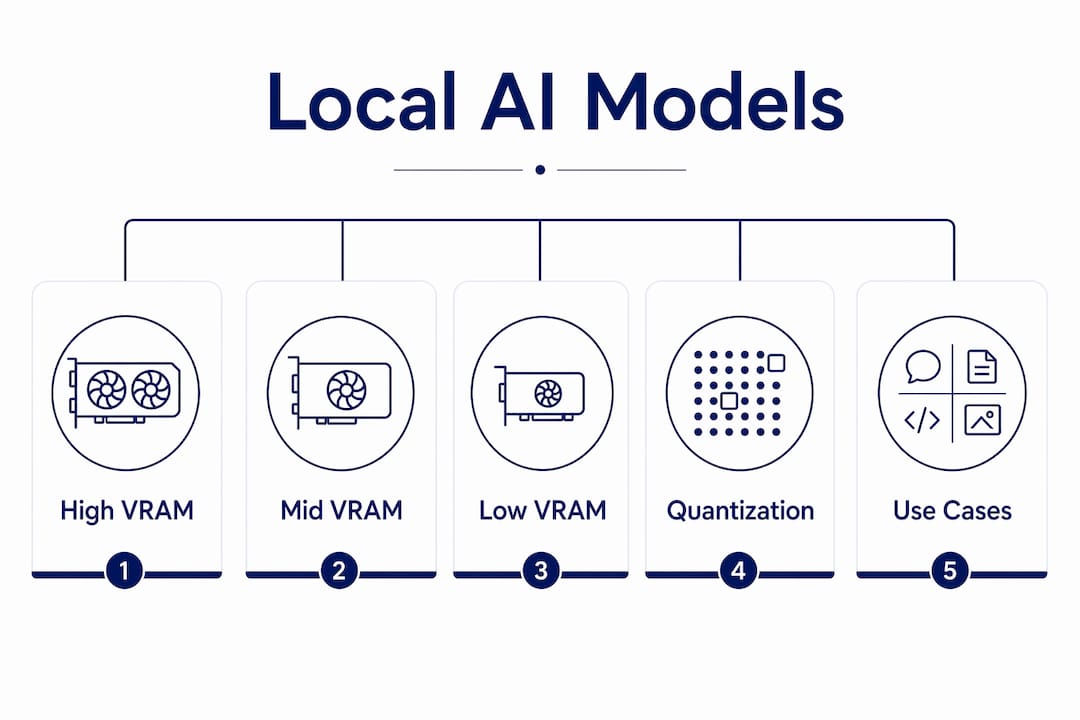
Hardware assessment is the first and most consequential step in any local AI model selection process. Quantization is the dominant factor in determining whether a model fits your hardware, far more critical than raw weight file size. The Q4_K_M format is the recommended default in 2026, offering the best balance between memory footprint reduction and output quality. Dropping to Q3_K_M or lower is only justified when no other option fits your VRAM budget, and the quality degradation is visible.
VRAM tiers define your model ceiling more precisely than any other single variable. 8GB VRAM handles 3B to 8B models at Q4_K_M quantization, suitable for chat and light code tasks. 12GB VRAM opens up 10B to 13B models for more demanding reasoning. 24GB VRAM is the practical sweet spot for serious local AI work, comfortably running 14B to 30B models. Systems with 48GB or more of unified memory or VRAM can run 70B models and the most capable coding agents.
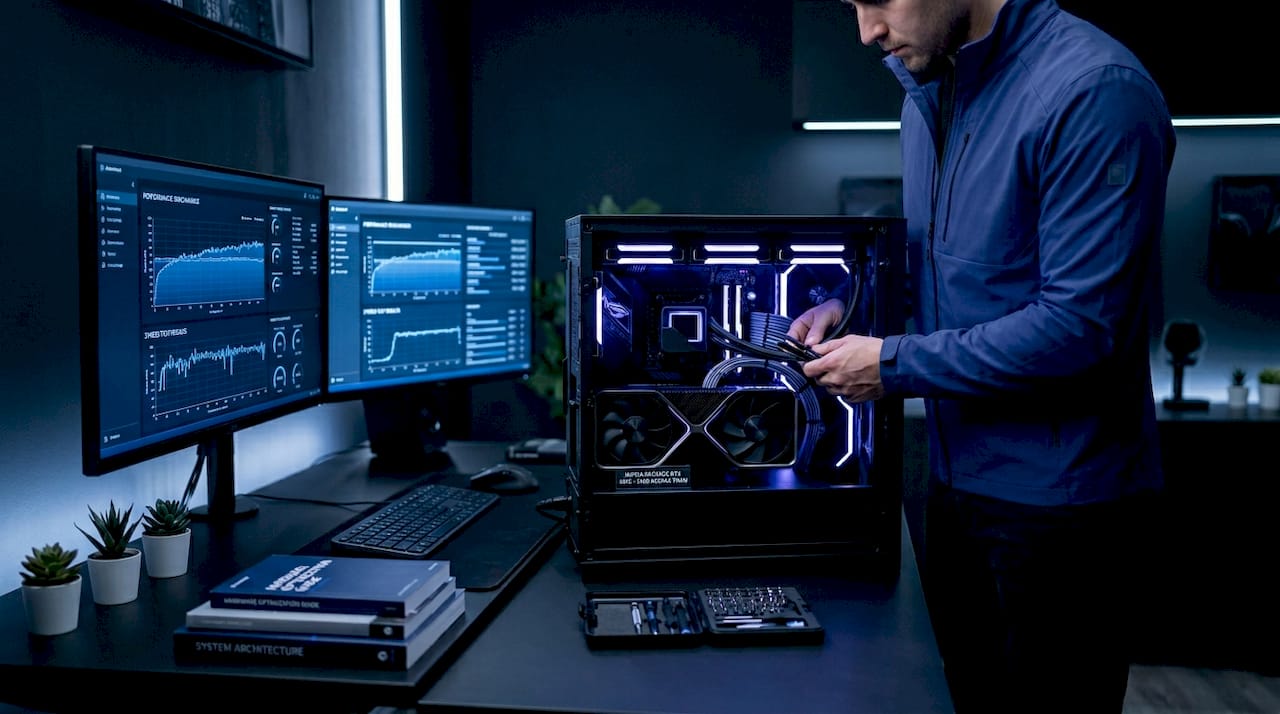
A critical mistake practitioners make is treating VRAM fit on paper as sufficient. Runtime overhead and KV cache usage strongly influence actual usability, and benchmarks alone cannot guarantee performance. A model that fits at idle can trigger memory paging under a long context window, collapsing throughput and spiking latency. Always reserve 20 to 30 percent of your VRAM budget for KV cache, context paging, and inference backend overhead.
The practical sizing workflow runs in this order: define your task, select the minimum model size that handles it, calculate the Q4_K_M footprint, and then verify you have headroom for runtime overhead. Never start with the model and work backward to the task.
| Hardware tier | Example models | Quantization | Primary use cases |
|---|---|---|---|
| 8GB VRAM | Llama 3.1 8B, Mistral 7B | Q4_K_M | Chat, light code, summarization |
| 12GB VRAM | Qwen2.5 14B, Phi-4 | Q4_K_M | Reasoning, code review, RAG |
| 24GB VRAM | Qwen3-Coder-30B-A3B, Devstral-Small | Q4_K_M | Coding agents, long-context tasks |
| 48GB+ VRAM/unified | Qwen3-Coder-Next GGUF, 70B models | Q4_K_M or Q5 | Full coding agents, enterprise inference |
Pro Tip: Run empirical throughput and latency benchmarks on your actual hardware with your actual context lengths before committing to a model. Leaderboard scores are measured under controlled conditions that rarely match your workload.
Which models and stacks work best for local coding agents?
The optimal approach for local coding-agent workflows in 2026 is assembling a stack with specialized models and tooling rather than relying on any single standalone model. No single model handles context management, tool calling, browser visibility, and code generation equally well. The stack approach distributes these responsibilities across components designed for each role.
The leading models for local coding tasks in 2026 break down by hardware tier. Qwen3-Coder-Next GGUF targets machines with 48GB or more of unified memory and delivers the strongest tool-calling reliability at scale. GLM-4.7-Flash runs well on 24GB setups and offers a strong balance between speed and code quality. Devstral-Small-2507 fits comfortably on 24GB VRAM and excels at compact, supervised coding tasks. Qwen3-Coder-30B-A3B is the most accessible high-capability option for practitioners with 24GB systems who need serious coding performance.
Coding-agent models require supervised, low-code workflows integrating tool and browser visibility. Fully autonomous zero-code local workflows remain impractical in 2026. You need to stay in the loop, especially for context management and tool-call error recovery. The most common failure points are context size starvation, tool-call JSON parser errors, and incomplete browser or MCP integration.
A proven Linux and macOS stack for local web app development in 2026 includes:
- Ollama as the local inference backend for model serving and API compatibility
- OpenCode as the coding agent interface connecting the model to your file system
- Chrome DevTools MCP for browser visibility and DOM inspection during development
- GitHub MCP for repository context, pull request management, and code history
- Next.js as the application framework for structured, component-based output
- Tailwind CSS for styling that the model can generate reliably without hallucinating class names
Pro Tip: Use AI tools for app development to understand where supervised low-code workflows outperform fully autonomous ones. The gap between what models claim to do and what they reliably do in production is still significant in 2026.
What is control plane sovereignty and why does it matter?
Control plane sovereignty is defined as local ownership of every component that governs how inference requests are routed, filtered, logged, and authorized at runtime. Possessing local model weights is not the same as controlling inference behavior. Enterprise model selection must consider runtime authority beyond local weights, because delegated control over routing, policy, and observability can undermine sovereignty even when the model itself runs on your hardware.
The risk is specific and underappreciated. Many practitioners run a local model through a vendor-managed orchestration layer that handles guardrails, telemetry, and request routing. That vendor can alter inference behavior, log prompts, or enforce policy changes without your knowledge. The model weights are local. The control plane is not.
“Control plane sovereignty requires local ownership of routing, guardrails, telemetry, and authorization to truly govern inference behavior.” — DEV Community
Achieving genuine sovereignty requires a dependency mapping workflow. Work through your inference stack hop by hop and categorize each component:
- Sovereign: The component runs locally, you control its configuration, and no external party can modify its behavior at runtime.
- Delegated-safe: The component is vendor-managed but operates in a read-only or non-mutating capacity with full audit logs you control.
- Delegated-risky: The component is vendor-managed, can mutate routing or guardrails, and you have no runtime visibility into its behavior.
Any delegated-risky component in your stack means your inference behavior is not fully under your control, regardless of where the model weights live. For enterprise AI governance, this distinction is the difference between compliance and exposure. Audit your orchestration layer, your telemetry pipeline, and your authorization system before claiming sovereignty.
Pro Tip: Full sovereignty stacks carry real operational overhead. Budget for the engineering time required to maintain local guardrails, observability pipelines, and routing logic before committing to a fully sovereign architecture.
How does the LocalAI gallery system simplify model installation?
The LocalAI model gallery system provides a multi-stage, automated installation flow that handles safety scanning, checksum verification, and backend auto-installation in a single workflow. This is a meaningful improvement over manual model downloads, where practitioners must independently verify file integrity, select compatible backends, and configure runtime parameters. The gallery approach reduces misconfiguration errors and speeds up the path from model selection to running inference.
The installation flow works in four stages. First, the system performs a catalog lookup to identify the requested model and its associated metadata. Second, an optional safety scan checks the model against known risk indicators before any files are downloaded. Third, the model downloads with checksum verification to confirm file integrity. Fourth, the appropriate inference backend installs automatically based on your hardware profile.
| Feature | Manual download | LocalAI gallery |
|---|---|---|
| Safety scanning | Manual or skipped | Automated, pre-download |
| Checksum verification | Manual | Automatic |
| Backend selection | Manual configuration | Auto-resolved by meta backend |
| Hardware optimization | User-configured | Container image mapped to CUDA, ROCm, or Metal |
| Time to first inference | High | Significantly reduced |
The meta backend system automatically resolves abstract backend names to hardware-optimized container images for CUDA, ROCm, and Metal environments. You specify what you need functionally, and the system selects the correct image for your GPU architecture. This matters most when moving models between machines with different GPU vendors, where manual backend reconfiguration is a common source of broken setups.
Pro Tip: Use meta backends as your default selection method rather than specifying container images manually. This keeps your gallery configurations portable across hardware changes and reduces the maintenance burden when backend versions update.
Key takeaways
Effective local AI model selection in 2026 requires matching task requirements, hardware tiers, quantization levels, and runtime governance before choosing any specific model.
| Point | Details |
|---|---|
| Start with task, not model prestige | Define your use case first, then select the minimum model size that handles it reliably. |
| Q4_K_M is the default quantization | Use Q4_K_M for the best balance of quality and memory footprint; avoid Q3_K_M unless no other option fits. |
| Reserve VRAM for runtime overhead | Always budget 20 to 30 percent of VRAM for KV cache and inference backend overhead beyond the model footprint. |
| Coding agents require a full stack | Combine Ollama, OpenCode, Chrome DevTools MCP, and GitHub MCP rather than relying on a single model. |
| Sovereignty means controlling the control plane | Local model weights alone do not guarantee governance; audit routing, guardrails, and telemetry for true sovereignty. |
Why most practitioners get local model selection wrong
The most common mistake I see is practitioners selecting a model based on benchmark rankings and then reverse-engineering a justification for their hardware. That process produces frustration, not results. The model that tops the coding leaderboard at 70B parameters is useless if your machine has 24GB of VRAM and you haven’t accounted for KV cache overhead under a 32K context window.
The VRAM surprises are real and consistent. A model that loads cleanly at idle will degrade badly under sustained multi-turn conversations or long file contexts. I’ve watched setups that looked fine in a five-minute demo fall apart in a 45-minute coding session because nobody measured runtime memory pressure under realistic workloads. Benchmark before you commit, and benchmark under your actual usage pattern.
The sovereignty conversation is where enterprise practitioners are most exposed right now. Owning the weights feels like owning the system. It isn’t. If your orchestration layer phones home, logs prompts, or applies vendor-side guardrails you can’t inspect, you don’t control your inference behavior. The AI governance gap between weight possession and runtime control is the defining enterprise AI risk of 2026.
For coding agents specifically, the practitioners getting the best results are not chasing the most autonomous setup. They are building tightly supervised stacks with clear human checkpoints, reliable tool-call parsing, and conservative context budgets. The models are good. The workflows that surround them determine whether they’re useful.
— steve
Run local AI models that actually fit your workflow
If you’ve worked through hardware sizing, quantization trade-offs, and sovereignty requirements and want a platform that handles local computation natively, Mingllm is built for exactly this. Mingllm runs models, memory, and reasoning entirely on your device, with no external routing or vendor-managed control planes touching your inference stack.
Mingllm’s architecture targets macOS power users and developers who need deep device integration, voice-first interaction, and full transparency over every action the system takes. The platform includes detailed action logs and proof traces so you always know what ran, when, and why. For practitioners who’ve spent time mapping their sovereignty gaps, Mingllm closes them by design. Explore Mingllm to see how a fully local AI stack performs in practice.
FAQ
What is the best quantization level for local AI models in 2026?
Q4_K_M is the recommended default quantization level for local AI model selection in 2026, balancing memory footprint reduction with acceptable output quality. Drop to Q3_K_M only when no other option fits your VRAM budget, as quality degradation becomes visible at that level.
How much VRAM do I need for serious local AI work?
24GB VRAM is the practical sweet spot for serious local AI applications in 2026, supporting 14B to 30B models at Q4_K_M quantization. Systems with 48GB or more of unified memory can run 70B models and the most capable coding agents like Qwen3-Coder-Next GGUF.
What is control plane sovereignty in local AI?
Control plane sovereignty means locally owning every component that governs inference routing, guardrails, telemetry, and authorization at runtime. Possessing local model weights does not guarantee sovereignty if a vendor-managed orchestration layer controls how those weights are invoked.
Which local models are best for coding agents in 2026?
The top local coding models in 2026 are Qwen3-Coder-Next GGUF for 48GB-plus systems, GLM-4.7-Flash for 24GB setups, and Devstral-Small-2507 for compact supervised workflows. Stack these with Ollama, OpenCode, and Chrome DevTools MCP for reliable tool-calling and browser visibility.
What does the LocalAI gallery system do?
The LocalAI gallery system automates model installation through catalog lookup, optional safety scanning, checksum-verified downloads, and automatic inference backend selection. The meta backend feature maps your hardware profile to the correct optimized container image for CUDA, ROCm, or Metal environments.