Local AI Ecosystem Tools Overview for Developers 2026

Running AI models on your own hardware has moved from hobbyist experiment to serious development practice. The local AI ecosystem tools overview below covers what actually matters in 2026: which tools hold up under real workloads, what hardware they demand, and where each one fits in a privacy-first workflow. If you’re a developer or tech enthusiast who wants AI that doesn’t phone home, this is the resource you’ve been looking for.
Table of Contents
- Key takeaways
- Local AI ecosystem tools overview: how to evaluate your options
- 1. Microsoft Foundry Local
- 2. Ollama
- 3. LM Studio
- 4. Osaurus
- 5. PrivateGPT and Khoj
- 6. Stable Diffusion via ComfyUI or Fooocus
- 7. Whisper.cpp and Piper TTS
- 8. Continue and Aider
- Comparison of local AI tools at a glance
- Choosing the right tool for your workflow and hardware
- My honest take on the local AI ecosystem in 2026
- Take your local AI setup further with Mingllm
- FAQ
Key takeaways
| Point | Details |
|---|---|
| Evaluate on real criteria | Judge local AI tools by privacy controls, hardware fit, modality support, and developer tooling before committing. |
| Hardware shapes your options | Apple Silicon M2 and NVIDIA RTX 4080/4090 GPUs unlock larger models and faster generation at the local layer. |
| Match tool to use case | Coding assistants, document chat, image generation, and voice each have purpose-built local tools worth specializing in. |
| Hybrid setups are valid | Tools like Osaurus combine local and cloud models with sandboxing, offering a pragmatic middle ground on privacy. |
| Open source drives longevity | Community-backed tools with active model catalogs age far better than closed local runtimes with vendor lock-in. |
Local AI ecosystem tools overview: how to evaluate your options
Before you install anything, you need a framework. The AI ecosystem resources overview is sprawling in 2026, and without clear criteria you’ll waste time on tools that look impressive but don’t fit your actual workflow.
Privacy and data control should be your first filter. True local tools never send prompts or completions to a remote server. Check network logs if you’re skeptical. Some tools market themselves as local but still phone home for license validation or telemetry.
Hardware and resource requirements vary wildly across the overview of local AI tools. A 7B parameter model needs roughly 8GB of VRAM or unified memory to run comfortably. A 70B model at 4-bit quantization needs closer to 40GB. Know your machine before you get attached to a specific model.
Here’s what else belongs on your checklist:
- Modality support. Does the tool handle text only, or does it also cover vision, audio transcription, and code? Multi-modal local setups are increasingly practical.
- Developer tooling. Look for REST APIs, SDK compatibility, and IDE integrations. A tool you can’t wire into your existing pipeline has limited utility.
- Offline functionality. True offline means no degraded experience when your internet drops. Test this explicitly.
- Extensibility. Plugin ecosystems and custom model loading matter more as your needs get specific.
- Community momentum. A GitHub repo with recent commits and active issues is a much better sign than marketing copy.
Pro Tip: Run a quick latency benchmark on your machine before evaluating any local AI tool. Your baseline numbers will tell you immediately whether a given model size is viable for interactive use or only suitable for batch tasks.
1. Microsoft Foundry Local
Microsoft Foundry Local is arguably the most complete local AI development tool available for cross-platform teams. It runs without cloud dependency, eliminating network latency and per-token costs entirely. That changes the economics of AI-assisted development in a fundamental way.
Foundry Local supports Windows, macOS, and Android, and it bundles directly into app installers so your end users don’t need to configure anything. Models are downloaded and cached on first run, then optimized per device for subsequent loads. The tradeoff is that first-run model downloads require planning. Cache growth can become a storage management problem at scale, so build a cache cleanup strategy into your deployment workflow from day one.
The Visual Studio Code integration includes a model testing playground, fine-tuning tools, hardware acceleration via DirectML, and deployment utilities. For Windows developers already in the Microsoft stack, the workflow coherence is hard to beat.
2. Ollama
Ollama is the go-to starting point for anyone new to local AI tools. Installation takes about two minutes. You pull a model by name, and it runs. That simplicity masks real depth. Ollama supports vision models and function calling, which puts it well beyond basic text chat for developers building agents.
The chat interface and API server make Ollama a natural drop-in for applications that previously called the OpenAI API. You point your client at localhost instead of a remote endpoint and swap nothing else. The model library covers most popular open weights, including Llama, Mistral, Gemma, and Phi families.
One honest limitation: Ollama’s defaults are tuned for ease, not maximum performance. If you’re pushing large models on consumer hardware, you’ll want to configure context length and GPU layer offloading manually.
3. LM Studio
LM Studio targets the developer who wants a GUI without sacrificing control. The chat interface lets you test models interactively while the built-in API server runs in the background, ready for programmatic access. It’s the fastest way to go from “I want to try this model” to “this model is running in my app.”
LM Studio’s local API server is OpenAI-compatible, which means existing code that targets GPT-4 can redirect to a local model with a one-line change. The model browser inside the app connects directly to Hugging Face, so discovery and download happen in the same place you run inference.
4. Osaurus
Osaurus is purpose-built for Mac users who refuse to compromise on security. It connects local and cloud models via a hardware-isolated sandbox, which means even when you’re using a cloud provider through Osaurus, your data goes through an isolation layer before leaving the device. That’s a meaningful architectural distinction for anyone handling sensitive workflows.
The hybrid local-cloud approach is pragmatic. You get local privacy for your most sensitive queries and cloud capability for tasks that genuinely need more compute. The Osaurus team also argues that local AI can deliver cloud-comparable results with lower energy consumption and less data center dependence, which is increasingly relevant as organizations scrutinize their AI carbon footprint.
5. PrivateGPT and Khoj
These two tools solve a specific problem extremely well: querying your own documents without sending them anywhere. PrivateGPT builds a local RAG pipeline over files you feed it. Khoj goes further, supporting persistent memory and multi-source search across notes, PDFs, and code files.
Both are worth understanding as part of any local AI resources review. PrivateGPT is more plug-and-play. Khoj rewards configuration investment with genuinely useful personal knowledge retrieval. If you maintain a Obsidian vault or large PDF library, Khoj’s local indexing is worth the setup time.
6. Stable Diffusion via ComfyUI or Fooocus
Image generation has the most mature local ecosystem of any AI modality. ComfyUI is the power user’s choice. Its node-based pipeline lets you build arbitrarily complex generation workflows with fine-grained control over every step. Fooocus is the opposite: a simplified interface that gets you to quality results in under five minutes.
Apple Silicon with 16GB RAM runs SDXL in seconds. An RTX 4090 handles larger models and faster generation. Either path gives you professional-quality image generation with no API costs and no usage logs stored on someone else’s server.
Pro Tip: Start with Fooocus to validate your hardware baseline, then migrate to ComfyUI when you need workflow customization. Jumping straight to ComfyUI can obscure whether performance problems are hardware-related or configuration-related.
7. Whisper.cpp and Piper TTS
Local voice processing is often the missing piece in personal automation setups. Whisper.cpp is a highly optimized C++ port of OpenAI’s Whisper transcription model. It runs fast on CPU and even faster with Metal acceleration on Apple Silicon. Accuracy on clear speech is excellent. Accuracy on technical vocabulary improves significantly with fine-tuned variants.
Piper TTS handles the other direction: text to natural-sounding speech entirely on-device. The voice quality is good enough for productivity use, though it’s not yet indistinguishable from commercial TTS. Together, these two tools give you a complete local voice pipeline that supports hands-free automation without any cloud dependency.
8. Continue and Aider
Coding assistance is where local AI delivers the clearest ROI. Continue is a VS Code and JetBrains extension that routes code completions and chat through any local model you configure. Aider is a terminal-based coding agent that reads your codebase, understands context across files, and applies edits directly through git.
The .NET AI ecosystem provides additional abstractions for developers building local AI behaviors into applications, including data ingestion, vector storage, and local evaluation components. For developers already using Continue or Aider in their daily workflow, this kind of local data pipeline integration becomes a natural extension of existing habits.
Comparison of local AI tools at a glance
| Tool | Primary modality | Hardware demand | Interface | Best for |
|---|---|---|---|---|
| Foundry Local | Text, code | Medium to high | CLI + SDK | Cross-platform app dev |
| Ollama | Text, vision | Low to medium | CLI + API | Quick local LLM hosting |
| LM Studio | Text | Low to medium | GUI + API | Model testing and prototyping |
| Osaurus | Text, multi-model | Low to medium | GUI | Mac users, hybrid privacy |
| PrivateGPT / Khoj | Text, documents | Low | CLI + Web UI | Private document search |
| Stable Diffusion | Image | High | GUI (node or simple) | Local image generation |
| Whisper.cpp + Piper | Audio | Low to medium | CLI | Voice automation pipelines |
| Continue + Aider | Code | Low to medium | IDE + CLI | Developer coding assistance |
Windows developers get the strongest experience with Foundry Local, especially with DirectML hardware acceleration. Mac users on Apple Silicon have a clear advantage with Osaurus, LM Studio, and Whisper.cpp thanks to unified memory architecture. Developers who prioritize local data center sovereignty over convenience will find that tools with full offline capability and no telemetry cluster toward the CLI end of this table.
Choosing the right tool for your workflow and hardware
The best AI tools for communities and individual developers share one trait: they fit the actual workload. Here’s how to think through selection practically.
- Define your primary use case first. Coding assistance, document chat, image generation, and voice automation each have clearly superior local tools. Don’t choose a general-purpose tool for a specialized problem.
- Audit your hardware honestly. Apple Silicon and modern GPUs dramatically expand what’s possible locally. If you’re on older x86 hardware with limited RAM, start with smaller quantized models and CLI tools that minimize overhead.
- Check developer ecosystem compatibility. Does the tool expose an OpenAI-compatible API? Does it work with your editor? Friction in the integration layer compounds over time.
- Plan for hybrid use where it makes sense. Full local purity is worth pursuing for sensitive data. For lower-stakes tasks, a tool like Osaurus that manages local-cloud routing with sandboxing gives you flexibility without sacrificing meaningful privacy.
- Prefer open-source and community-driven tools. Commercial local AI runtimes can disappear or pivot. Open-source projects with active communities and model catalogs give you a much longer operational runway.
Pro Tip: Use the local macOS workflow guide from Mingllm to understand model switching patterns before you commit to a single tool. The ability to swap models per task without rebuilding your pipeline is a significant productivity multiplier.
My honest take on the local AI ecosystem in 2026
I’ve spent considerable time working through what are local AI tools in practice versus what they claim to be. My honest assessment: the gap between marketing and reality has closed substantially over the past 18 months, but the learning curve is still steeper than most articles admit.
The tools in this overview of local AI tools are genuinely good. But “runs locally” still doesn’t mean “runs smoothly out of the box.” You will troubleshoot CUDA versions. You will hit context length limits at inconvenient moments. You will discover that your 16GB machine handles some 13B models fine and chokes on others depending on quantization format.
What I find underestimated is the compounding advantage of local-first architecture over time. Once you have a local pipeline that works, iteration is instant. No API costs. No rate limits. No latency spikes from server load. Local AI shifts your focus from managing API costs to optimizing at the hardware and caching layer, and that’s a much more interesting problem to work on.
My practical advice: pick one use case, pick one tool, and get it working end-to-end before expanding. The developers who get the most from local AI are not the ones who installed everything. They’re the ones who mastered something specific and built from there.
— steve
Take your local AI setup further with Mingllm
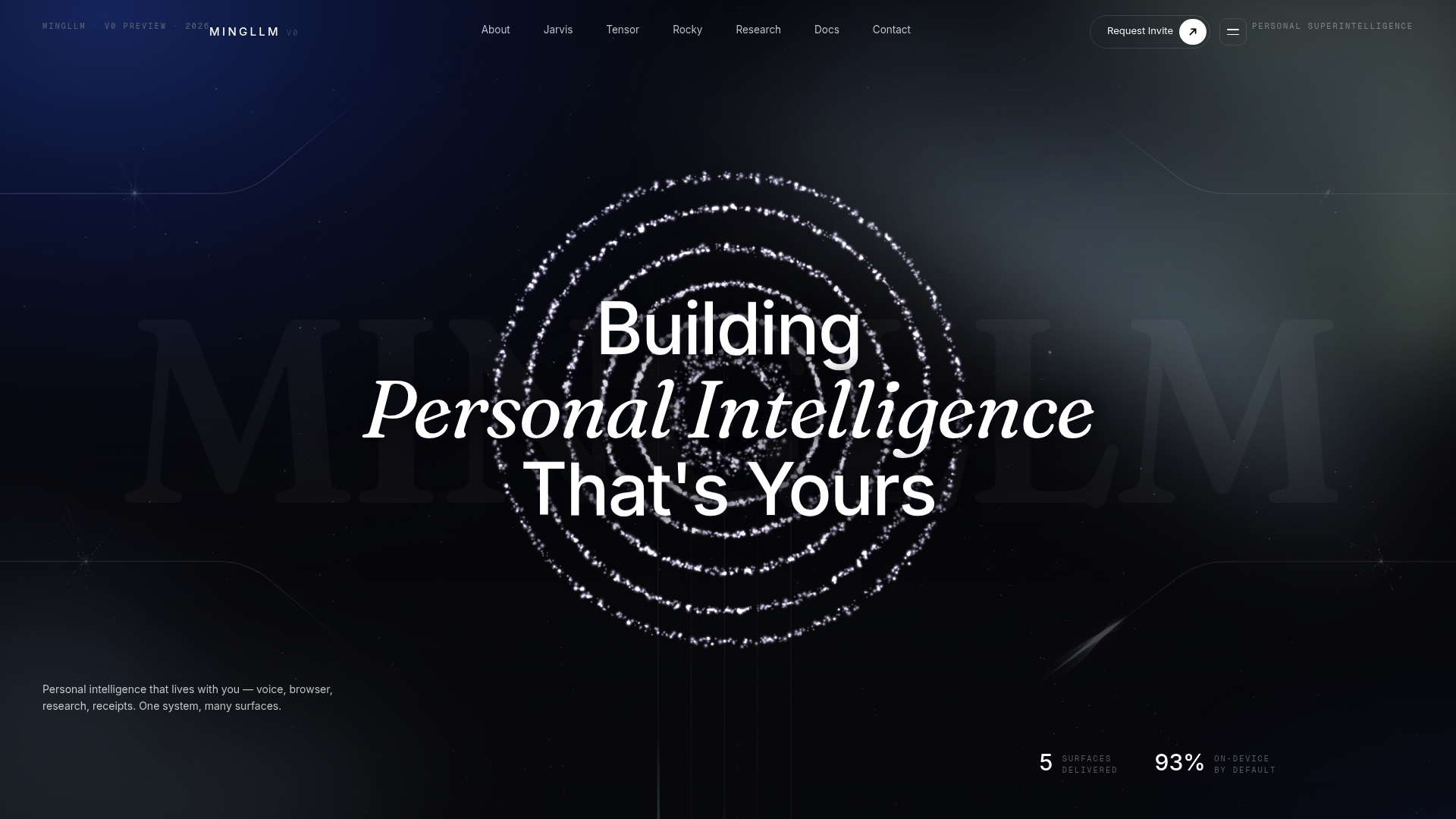
Mingllm is built specifically for developers and power users who want local AI that goes beyond a chat window. Everything runs on your macOS device: the models, the memory, the reasoning traces, and the automation layer. You get a voice agent that executes tasks across native macOS apps, a browser agent that synthesizes information from open tabs with source citations, and a research tool that structures scattered sources into something actually usable. If you’ve been mapping your way through the local AI development tools space and want a platform where all those capabilities converge in one privacy-first environment, Mingllm is worth a serious look.
FAQ
What are local AI tools exactly?
Local AI tools are software applications that run AI models directly on your device without sending data to external servers. They offer privacy, offline capability, and zero per-token costs at the expense of hardware requirements.
How much RAM do I need to run local LLMs?
A 7B parameter model at 4-bit quantization runs on 8GB of unified memory or VRAM. Larger 13B and 70B models require 16GB to 40GB respectively, making hardware the primary constraint for local AI workloads.
Is Ollama or LM Studio better for beginners?
Both are strong entry points. Ollama is faster to start via CLI and excellent for API integration, while LM Studio’s GUI makes model discovery and testing more approachable for those newer to local model management.
Can local AI tools match cloud AI quality?
For many practical tasks, yes. The Osaurus team notes that local AI can deliver cloud-comparable capabilities with lower energy use. Frontier-level reasoning still favors cloud models, but local tools close the gap with every new open-weights release.
What is the best local AI tool for macOS developers?
Osaurus offers the strongest privacy architecture for Mac with its sandboxed local-cloud model routing. Mingllm provides a deeper macOS integration layer for developers who want voice, browser, and research capabilities built into a single local platform.